Warehouse layout software for warehouse operators and logistics education
Warehouse Builder is warehouse layout software for warehouse operators and logistics education. Operators lay out a new site or a change to an existing building and walk it with the people who sign off. Logistics students learn warehouse design by building layouts and walking them. No CAD skills needed.
Why is a layout change hard to agree on?
Usually because the people who sign off are reading the same drawing differently. Operations sees flow, safety sees aisles and exits, finance sees cost, and nobody's quite looking at the same warehouse. Agreement tends to come quicker when everyone can walk the layout before anything's ordered.
How do operators and educators use Warehouse Builder?
Operators build the layout, check it and walk it with the people who decide.
Start from the site. A blank greenfield site, your existing brownfield building, or a template you adapt.
Lay it out. Mark out inbound, outbound and the zones in between, then place racks, trucks, pallets and bins.
Sanity-check the flow. Enter fill rates, shifts, people per shift, trucks and inbound and outbound volumes for a quick read at pallet level.
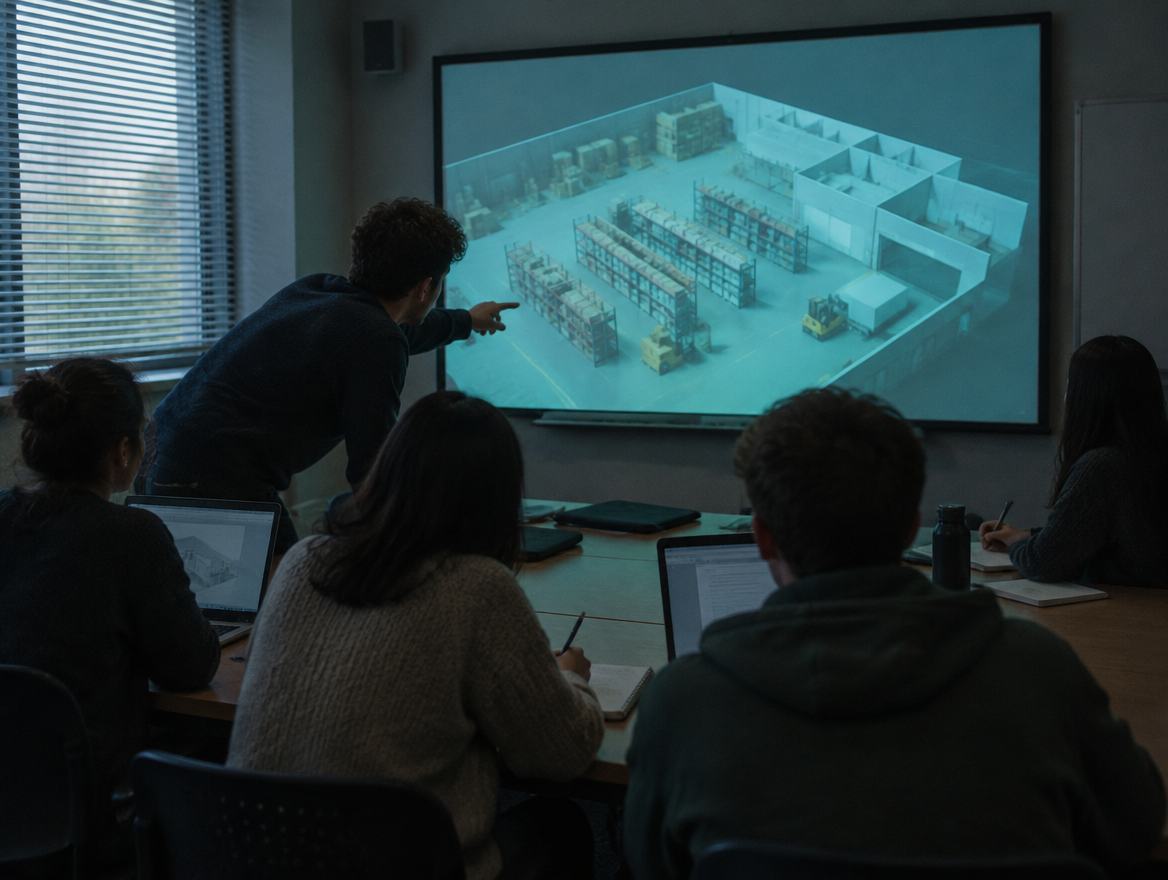
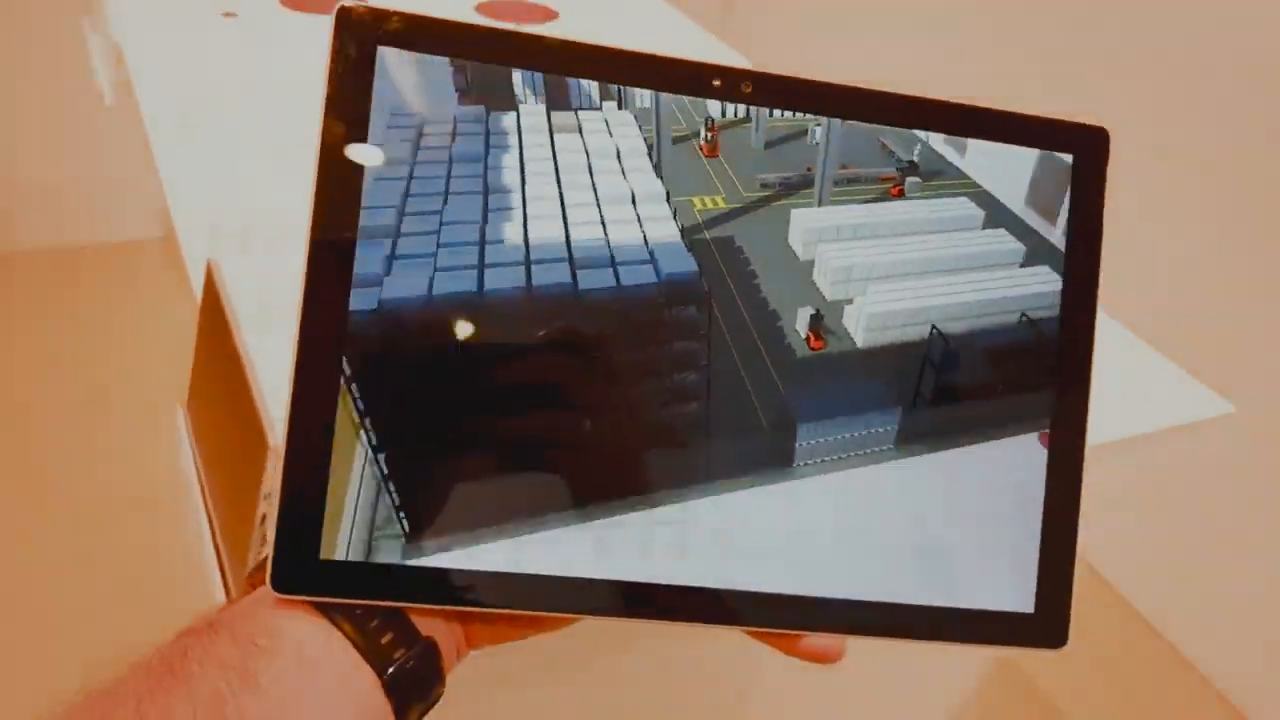
Walk it together. On screen in 3D, on a tablet, or in a headset for VR warehouse planning with the people who sign off.
Hand it over. Your engineers or integrator open the agreed layout, then do the detailed design in their own tools.
For logistics education, the same steps become a lesson. Students build a warehouse layout themselves, check whether it fits and flows, then walk it. Warehouse Builder is taught at a university in Belgium, where logistics students learn warehouse design on it.
What do operators and educators get?
Operators get a layout everyone who signs off has actually walked, so the questions come up before the first rack is ordered. Educators get warehouse layout training software that students use hands-on, with real equipment and a sanity check that shows when a layout won't hold up.
How does it sit with your CAD and engineering?
It replaces the sketch stage, not engineering. Warehouse Builder exports a 3D model rather than a CAD file, so detailed design stays with your engineers or integrator, in their own tools. What they receive is a layout your team has already walked and agreed on.
Does it work for greenfield and brownfield warehouse layouts?
Yes, and brownfield is where most operators probably start. Draw the existing brownfield building, try the change, such as a new rack run or a different inbound area, and walk it with the team before anyone moves a pallet. For a blank greenfield site, start from the building's shape or a template.
Questions operators and educators ask
Can we model a change to our existing warehouse?
Yes. Draw your existing brownfield building and its zones, then try the change: a new rack run, a wider aisle, a different inbound area. Warehouse Builder flags an aisle that's too narrow, and you can walk the result on screen, on a tablet or in a headset with the people who have to agree to it.
Does Warehouse Builder simulate warehouse throughput?
Not in the full simulation sense. Warehouse Builder gives a pallet-level sanity check: fill rates, shifts, people per shift, trucks and inbound and outbound volumes, so you see whether a layout can broadly handle the work. Detailed throughput modeling belongs in a dedicated simulation tool, usually later in the project.
Do we need a headset to use Warehouse Builder?
No. You can build and walk a layout in 2D and 3D on a normal screen, and open it on a tablet. A headset adds the option to stand inside the warehouse at walking height, which tends to help when people who don't read drawings have to sign off on the layout.
Is Warehouse Builder used to teach warehouse layout?
Yes. Warehouse Builder is taught at a university in Belgium, where logistics students learn warehouse design on it. Students build their own layouts from real equipment, run the pallet-level sanity check and walk the result, so the lesson is hands-on rather than a diagram on a slide.
Do students need CAD experience to use Warehouse Builder?
No. Warehouse Builder is made for people who know, or are learning, how warehouses work rather than how to run CAD. Students pick the building's shape, mark out the zones and place equipment from a library, then switch to 3D or a headset to walk what they've built.
Planning a new site or a change to an existing one?
Show the Layout Desk where you are.